Why Your Home Battery Reserve Resets After 72 Hours in California
A homeowner’s guide to the 2025 JA12 rule, backup settings, and the questions to ask your installer.
Published by Home Solar Simplified
Editorial source check:
Published:
Published by Home Solar Simplified · Editorial standards
https://homesolarsimplified.org/solar-guides/california-battery-backup-reserve-72-hour-reset
Published by Home Solar Simplified. Includes 11 linked sources. Documented editorial date: .
A citation or editorial date does not guarantee a tariff, incentive or program remains unchanged today.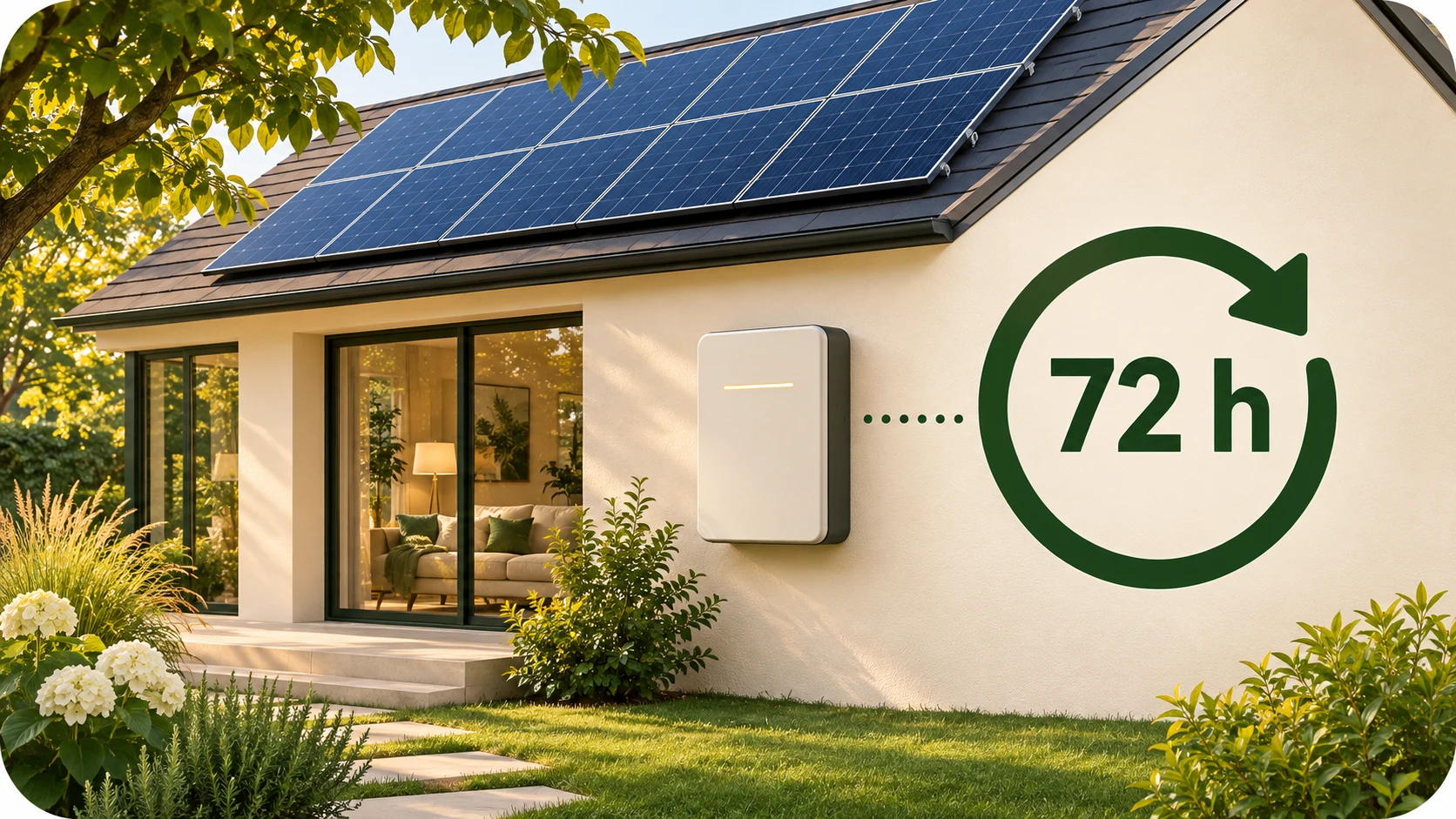
You raise your battery’s backup reserve before a possible outage. Three days later, the setting changes back. Depending on how your system was approved and commissioned, that may be an intentional California Energy Code feature rather than an app problem.
The short answer: For a single-family battery system subject to the 2025 JA12 requirements, if a reserve change leaves too little capacity available for the home’s documented energy-code compliance, the system must restore the required cycling capacity automatically after 72 hours. The rule includes a specific exception for certain externally controlled severe-weather and Public Safety Power Shutoff settings. It does not impose one reserve percentage on every battery in California. Read the CEC’s final JA12 rule, section JA12.3.3.1(e).
First, check whether this rule applies to your system
JA12 is the battery qualification appendix within California’s building energy standards. It covers batteries used to meet applicable Energy Code requirements or earn compliance credit. The 72-hour provision discussed here is specifically for single-family residential buildings.
The 2025 Energy Code applies to building permit applications submitted on or after January 1, 2026. That date does not, by itself, mean every existing battery must acquire a new reset behavior. Start with your project’s permit records and energy-compliance documents. CEC: 2025 Building Energy Efficiency Standards.
Ask your installer or builder:
- Which Energy Code edition applies to my project?
- Was this battery included in the home’s energy-compliance calculation or another applicable battery requirement?
- What compliance cycling capacity appears on the Certificate of Compliance?
- Was the manufacturer’s JA12 control feature enabled during commissioning?
A new-construction battery, an older installation, and a battery added to an existing home should not be assumed to have identical obligations. If the paperwork is unclear, ask the local building department or the CEC Energy Code Hotline to clarify the project’s requirements.
Backup reserve and battery charge are different
Your app may show both a charge percentage and a reserve percentage. They answer different questions:
- State of charge: How full is the battery right now?
- Backup reserve: How much capacity is being held back from ordinary daily use?
- Cycling capacity: How much battery capacity is available for daily charging and discharging?
- Compliance cycling capacity: How much cycling capacity the approved project assigns to Energy Code compliance.
The reset concerns the allocation of capacity. It does not mean the battery must finish charging in 72 hours or that your home is guaranteed three days of backup.
California’s compliance approach gives value to batteries that shift energy use through the day. A system held entirely for backup cannot provide that same everyday benefit. The CEC’s single-family compliance manual, Chapter 7, explains the relationship between daily cycling, solar self-use, and backup operation.
What actually changes after 72 hours?
When a reserve adjustment reduces cycling capacity below the documented compliance amount, the system must automatically restore the required cycling capacity after 72 hours, unless the specified event exception applies.
The resulting percentage depends on the system and the amount committed to compliance. There is no universal 20% or 30% reserve setting in this provision.
Consider a simplified example, not a recommended setting:
- A battery has 15 kWh of usable capacity.
- The project assigns 7.5 kWh to compliance cycling.
- Holding 50% in reserve leaves 7.5 kWh for daily cycling.
- Raising reserve to 80% leaves only 3 kWh for daily cycling.
That last setting falls below the example’s compliance amount. Restoring the 7.5 kWh allocation would bring the reserve back to 50%. Confirm the manufacturer’s capacity basis and app behavior for your actual equipment.
The CEC publishes FranklinWH’s example reset documentation, which illustrates how a manufacturer links the reserve limit to the configured compliance capacity. Different products may show a warning, a timer, an emergency-backup duration, or a different recovery screen.
Severe-weather and PSPS settings have a specific exception
The final rule exempts reserve changes controlled by a load-serving entity, California Independent System Operator, third-party aggregator, or manufacturer because of severe weather or a Public Safety Power Shutoff (PSPS) event. The system must return to its compliance cycling capacity when that event ends.
The exception depends on both the reason for the change and who controls it. A homeowner manually increasing reserve because a storm is forecast should not assume the same exception applies. Ask the manufacturer how its weather or outage-preparation feature works with JA12. CEC: JA12.3.3.1(e).
Also ask what the system does if an event continues beyond three days, internet service fails, or an alert ends while local conditions remain difficult. Keep those answers with your outage plan rather than relying on the name of an app mode.
Does this limit how long the battery can power my home?
The 72-hour setting is not an outage-runtime limit. The CEC’s compliance manual separately describes switching to backup operation during a power interruption and returning to the programmed control strategy when power is restored. CEC: single-family compliance manual, Chapter 7.
Actual runtime depends on the energy available when the outage begins, the loads you run, system losses, and any solar charging your installed configuration can provide. A reserve percentage alone cannot tell you how long a refrigerator, air conditioner, or well pump will operate.
For example, 6 kWh actually delivered to loads averaging 0.6 kW gives a simple ten-hour estimate. That calculation does not verify starting surges, simultaneous-load limits, or the next day’s solar production.
Our home battery installation guide explains how to check supported circuits, energy capacity, power output, and the installer’s backup demonstration.
Why one home’s compliance setting may differ from another’s
Do not copy a neighbor’s reserve setting or assume that every compliant installation uses a 5 kWh allocation.
The CEC confirms that qualifying single-family projects can receive compliance credit with 5 kWh of cycling capacity, documented on the CF1R form. A different provision allowing a 25% reduction in the prescriptive solar-PV size requires at least 7.5 kWh of cycling capacity. Your approved design may therefore need a different amount. CEC: Spring 2026 Blueprint; CEC: 2025 Single-Family Solar PV.
Manufacturer defaults are not a substitute for that project-specific check. For example, Tesla documents a JA12 setup feature for Powerwall 3 that restores a prior reserve setting allowing at least 5 kWh of cycling after a temporary Max Backup setting. That is a product example, not evidence that 5 kWh satisfies every home’s approved compliance design. Tesla: California Title 24 JA12 setup guidance.
What to collect at battery handover
Before calling the installation complete, request:
- The compliance record. Keep the approved cycling capacity in kWh and applicable code edition.
- The commissioned settings. Record the operating mode, normal reserve, temporary-override behavior, and recovery setting.
- The manufacturer’s instructions. Ask where the JA12 feature appears and which settings homeowners may change.
- An outage explanation. Confirm supported circuits, load limits, weather-event behavior, and what happens when utility power returns.
- A support contact. Know who will investigate an unexpected setting change and what screenshots or event records they need.
The CEC’s 2025 battery Certificate of Installation includes the compliance cycling capacity and requires the installer to complete the manufacturer’s procedures for programming the automatic reset. Ask for your completed project records, not just an equipment brochure. CEC: CF2R-PVB-02-E sample form.
If a setting changes unexpectedly, note the time, previous setting, new setting, and any active weather or utility event. Contact qualified support. Do not disable compliance controls or open electrical equipment to investigate.
Questions homeowners ask
Will my battery reset every three days?
Not necessarily. The relevant trigger is a reserve change that reduces cycling capacity below the project’s compliance amount. A setting that preserves that amount does not trigger this particular reset requirement.
Can I hold more energy for a possible outage?
Ask how your system provides temporary backup preparation and how long it lasts. Also ask whether a manufacturer-controlled weather or PSPS feature is active. Do not assume a manual reserve increase and an automated event mode behave the same way.
Is a JA12 listing proof that my installation is configured correctly?
No. Equipment qualification and installation setup are separate checks. Confirm the appropriate 2025 JA12 designation for the equipment and obtain the project’s commissioning records. The CEC notes that equipment-list information includes manufacturer-reported information and is not a warranty of performance. CEC: Solar Equipment Lists Program.
What should I ask before buying a larger battery?
Ask for a written comparison showing usable capacity, the compliance allocation, the remaining reserve capacity, supported loads, and expected outage scenarios. A larger battery may leave more room for both daily use and backup, but capacity alone does not establish the home’s electrical capabilities or savings.
Homeowner takeaway: Know the number of kilowatt-hours your project commits to daily cycling, and ask the installer to explain how the app preserves it. That makes an automatic reserve change easier to understand and gives you a more realistic backup plan.
This guide provides general homeowner education. Confirm the requirements for your permit, equipment, utility, and installation with the responsible professionals and current official sources.
Illustrated explanation
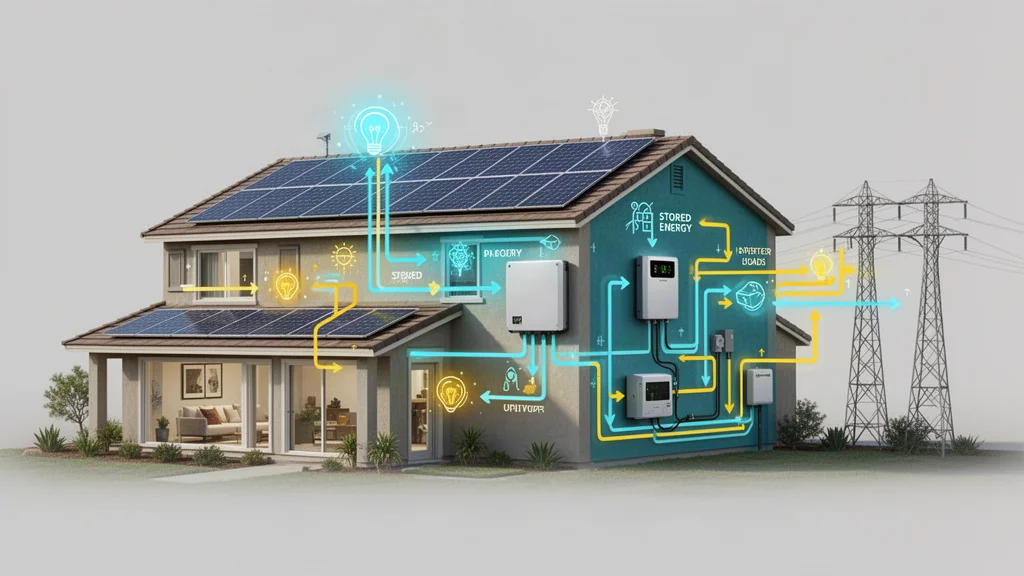
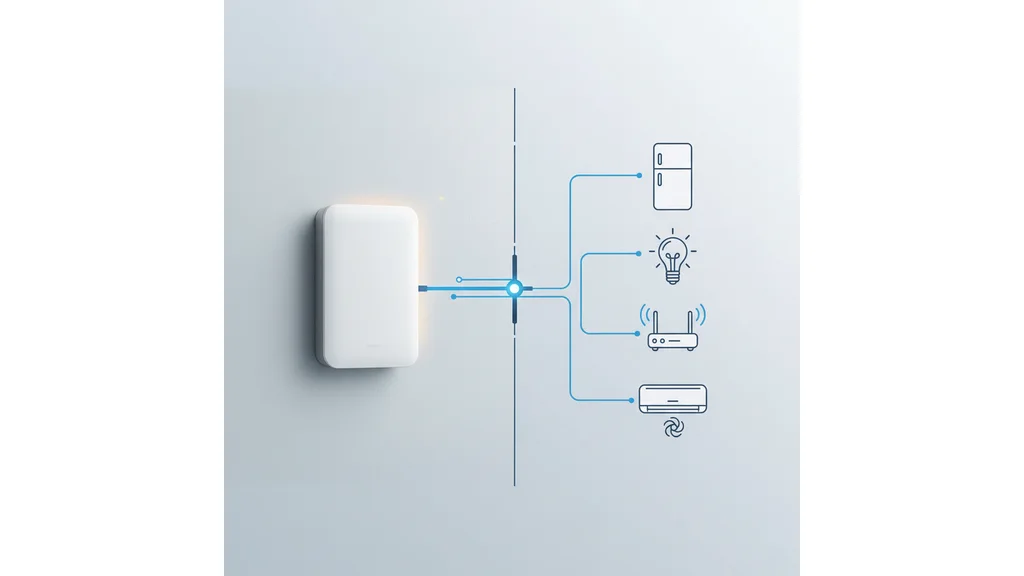
How to plan home battery storage
- List essential loads. Write down the appliances and circuits needed during an outage, including their running watts and any starting surge.
- Compare power and energy. Check continuous output in kW separately from usable stored energy in kWh. Estimate runtime using realistic consumption and conversion losses.
- Verify the operating mode. Ask whether the system can isolate from the grid, recharge from solar during an outage, and comply with the applicable utility interconnection requirements.
For further independent technical context: California Energy Commission — Energy Resources. This is an educational reference, not an installer recommendation.
Related guides
Home battery installation: what to expectStill researching solar?
Search homeowner guides by topic, electric utility, or location.
Sources and further reading
Updated: November 2026. Confirm changing details with the official sources.
These links identify documents and resources used for this guide. Listing a source does not mean it was independently checked today. Utility rates, incentives, product specifications and program availability may change; confirm the latest version and effective date with the source.
Read the CEC’s final JA12 rule, section JA12.3.3.1(e)CEC: 2025 Building Energy Efficiency StandardsCEC Energy Code Hotlinesingle-family compliance manual, Chapter 7FranklinWH’s example reset documentationhome battery installation guideCEC: Spring 2026 BlueprintCEC: 2025 Single-Family Solar PVTesla: California Title 24 JA12 setup guidanceCEC: CF2R-PVB-02-E sample formCEC: Solar Equipment Lists ProgramStart with a home energy checkup
Organize your usage, home details and goals before comparing proposals.
Try the home energy checkupReady to compare companies?
Explore provider options when you are ready to request quotes.
Explore provider options