Tesla Powerwall 3: Capacity, Power and Whole-Home Backup Explained
A homeowner-first look at Tesla Powerwall 3, including 13.5 kWh of nominal energy, configurable power levels and what those numbers mean for backup planning.
Program information checked October 5, 2026. Confirm current availability with the administrator.
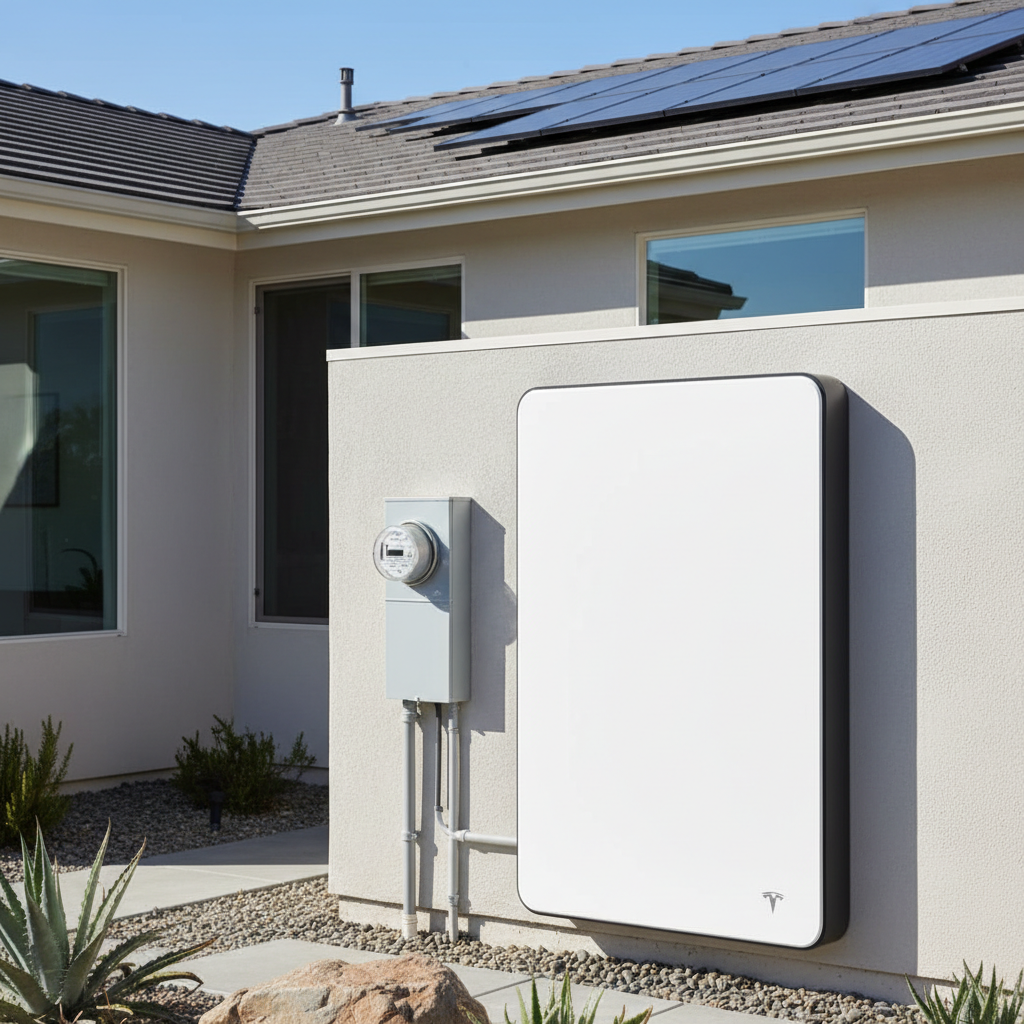
What the Powerwall 3 actually offers
Tesla lists 13.5 kWh of nominal battery energy for Powerwall 3. Depending on configuration, nominal AC output can be set at 5.8, 7.6, 10 or 11.5 kW. Tesla also lists up to 15.4 kW of configurable off-grid continuous discharge under specified conditions when paired with the 11.5 kW configuration.
Those numbers answer different questions: kWh is stored energy, while kW is how much power the system can deliver at once. A home with large HVAC, pool or EV loads needs both dimensions considered together.
Integrated solar changes the design conversation
Powerwall 3 includes integrated solar inputs and can accept substantial PV input, which can simplify some new-system designs. That does not automatically make it the best fit for every retrofit, especially where an existing solar system already has separate inverter architecture.
Ask the installer whether your project is using Powerwall 3 primarily as storage, as part of a new solar-plus-storage design, or as a retrofit with existing equipment.
How long will one unit run a home?
Runtime depends on the actual backed-up load. A refrigerator, lighting and internet load can last much longer than central air conditioning, pool equipment or multiple electric appliances running together.
Ask for a load-by-load outage model rather than a generic 'whole-home' claim. The right question is which circuits remain powered, for how long, and under what weather and solar-recharge assumptions.
Scalability and expansion
Tesla supports multiple Powerwall 3 units and separate expansion units. That can increase both available energy and system flexibility, but the final architecture should be designed around the home's service, solar array and backup objectives.
For a larger Southern California home, compare the economics of one high-power unit plus load management versus multiple batteries and broader backup coverage.
What to verify before signing
Confirm the quoted Powerwall model, usable system configuration, backup gateway or switch, circuits included, solar integration, installation location and warranty documents in writing.
Also ask whether the quote includes electrical service work, trenching, relocation of loads or other construction that can materially change the project price.
Questions worth asking
- How many kWh of usable energy will my installed configuration provide?
- Which circuits and large loads will be backed up?
- What is the continuous off-grid power limit for my configuration?
- Can the system recharge from solar during an outage?
Sources and further reading
Tesla — Powerwall 3 specificationsU.S. Department of Energy — Homeowner's Guide to Going SolarCalifornia Public Utilities Commission — Solar Consumer Protection GuideExplore more for your home
Home Solar Simplified
Explore solar education, battery planning and home energy tools to prepare for your next decision.
Explore Home Solar SimplifiedConnectPoint ISP
Visit ConnectPoint ISP to explore home internet options and ask about service availability at your address.
Visit ConnectPoint ISP