SolarEdge Home Battery 400V: Capacity, Inverter Fit and Backup Limits
SolarEdge Home Battery 400V stores 9.7 kWh, but the Home Hub inverter and Backup Interface determine outage power. Check fit, warranty and full cost.
Published by Home Solar Simplified · Editorial standards
https://homesolarsimplified.org/solar-guides/solaredge-home-battery-homeowner-guide
Published by Home Solar Simplified. Includes 8 linked sources. Documented editorial date: .
A citation or editorial date does not guarantee a tariff, incentive or program remains unchanged today.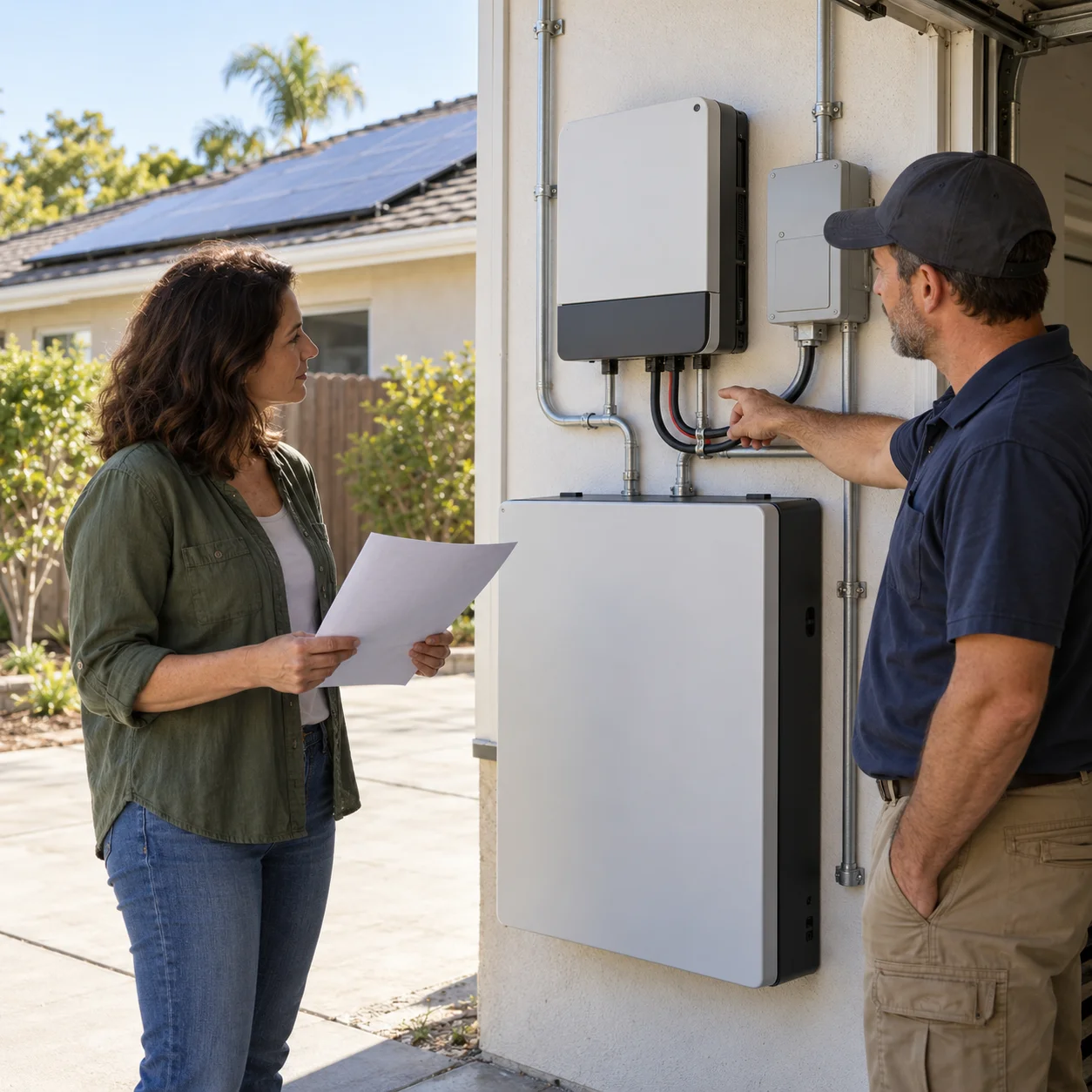
Quick answer: fit depends on the complete SolarEdge system
One North American SolarEdge Home Battery 400V stores 9.7 kWh of usable energy, delivers 5 kW continuously and is rated for a 7.5 kW peak lasting ten seconds. It may fit a new or compatible existing SolarEdge Home Hub system when the homeowner values a DC-coupled, single-ecosystem design. Those battery ratings do not by themselves establish whole-home backup or the power delivered to household circuits.
Before comparing price, require the exact battery and Home Hub inverter model numbers, total usable kWh, continuous off-grid AC kW, ten-second peak, backed-up loads, Home Backup Interface, reserve setting, solar-recharge behavior, single-line diagram, permit scope and service plan. Treat a fixed runtime or whole-home claim as unverified unless the quote identifies the loads and assumptions.
Energy, continuous power and peak power answer different questions
Kilowatt-hours describe stored energy; kilowatts describe how much real power the battery can deliver. SolarEdge's January 6, 2026 datasheet lists 9.7 kWh usable, 5 kW continuous and 7.5 kW for ten seconds per battery. The peak figure may help with a short motor-start event, but it does not replace a calculation for HVAC, pumps or simultaneous loads.
A simple screen illustrates runtime: 9.7 kWh divided by a constant 1 kW load equals 9.7 hours before backup reserve, conversion losses, temperature effects and changing consumption. Ask for an essential-load model, an overnight case and a low-solar case instead of relying on that arithmetic as a promise.
DC coupling can reduce conversions, but 94.5% is a peak rating
The battery connects on the DC side of a compatible SolarEdge Home Hub inverter, so solar energy can be stored before conversion to household AC. SolarEdge lists 94.5% peak round-trip efficiency. That is a product test rating, not a guarantee of annual household efficiency, savings or outage runtime.
Compare usable energy, inverter conversion, standby consumption, reserve, temperature, solar curtailment, export settings and the complete installed price. A higher peak efficiency percentage does not override a poor load match, incompatible retrofit or expensive service scope.
Two or three batteries add energy, while the inverter limits system output
SolarEdge supports up to three Home Battery 400V units on a compatible Home Hub inverter. Two batteries provide 19.4 kWh and three provide 29.1 kWh of stated usable energy. Do not automatically multiply 5 kW by the battery count: the current Home Hub datasheet lists up to 12.5 kW of continuous battery charge and discharge, while standalone delivery is also limited by the selected inverter's rated output and the permitted configuration.
The quote should state battery count, total usable energy, inverter model and rating, supported battery ports, branch connectors, conductor and breaker sizes, power-control settings, continuous on-grid and off-grid power, and the loads expected to start together. More kWh can extend runtime without increasing household output in the same proportion.
Backup requires the interface, load plan and commissioning
SolarEdge's Home Hub datasheet states that standalone and battery storage use a Home Backup Interface purchased separately. A battery-only installation can provide self-consumption or time-of-use functions without automatically providing outage power. Firmware, controls, service equipment and the permitted single-line diagram must support the intended backup mode.
Require a backed-up circuit list, motor-start review, load-management sequence and maximum simultaneous load in writing. Commissioning should include a controlled grid-loss test, transfer and reconnection behavior, owner monitoring access, reserve confirmation and a test that intended solar charging works while islanded.
Retrofit compatibility and accessories must be itemized
An existing SolarEdge label does not prove that its inverter, firmware, communications or electrical layout supports this battery and backup mode. Ask what equipment stays, what is replaced, which monitoring account changes and whether outage operation requires a panel, service or meter-main modification. For a non-SolarEdge system, compare the cost and disruption of changing architectures with compatible AC-coupled alternatives.
The 2026 battery datasheet says multiple batteries require separately purchased branch connectors, a floor installation requires a separate stand, and wall mounting requires separate handles. Itemize those accessories, the Home Backup Interface, inverter work, load controls, permits, utility steps, labor, commissioning and monitoring so a low battery-only price does not hide the installed total.
The ten-year warranty has operating and service conditions
SolarEdge's dedicated warranty runs ten years from the earlier of installation recorded in the Monitoring Portal or 12 months after shipment and specifies 70% energy retention at the end of the term. Unlimited cycles apply only to defined standard solar use; third-party management is limited to 26 MWh. The battery must remain connected to an approved SolarEdge inverter and the Monitoring Platform for the warranty period.
The warranty says labor, travel, removal and reinstallation are not covered unless SolarEdge agrees otherwise in writing, and transfer is conditioned on the battery staying at its original site without de-installation and reinstallation. Ask who diagnoses a failure, who pays site labor and shipping, and what happens if the installer closes. Save the quoted warranty and local service commitment.
California approval, placement and permits are model-specific
The California Energy Commission's equipment lists distinguish batteries, energy storage systems and power-control functions, and the CEC says required smart-inverter functionality can differ by utility and authority having jurisdiction. Verify the exact battery, Home Hub inverter, Backup Interface and any power-control model for the project's utility and permit—not merely the brand family.
The battery datasheet lists a 262-pound unit, wall or floor mounting, and an ambient operating range of -4°F to 122°F, with time below 32°F limited to 30% of days in a rolling 12-month period. Placement still must meet the warranty, manufacturer instructions, electrical and fire code, clearances and local review. Require the installer to document mounting, access, heat exposure, permitting and inspection responsibility.
Check a retrofit against the functions you expect to retain
For an existing solar home, ask the installer to map what stays and what changes: inverter, battery, backup interface, metering and any load controls. Then state the functions you expect after the work, such as ordinary solar generation, household consumption visibility and the agreed backup circuits. A battery addition should have a written commissioning scope that addresses those functions. Do not assume a new battery alone gives every older installation the same capabilities as a newly designed system.
At handover, compare the installed model list with the approved proposal and ask for an updated diagram when equipment changed. Review owner access, operating reserve, alerts and the support route for both the old and new equipment. Keep the service report and relevant approvals with the original solar records. This gives the next technician a clear history and helps prevent a later production or backup problem from being passed between companies without anyone explaining the complete configuration.
Illustrated explanation
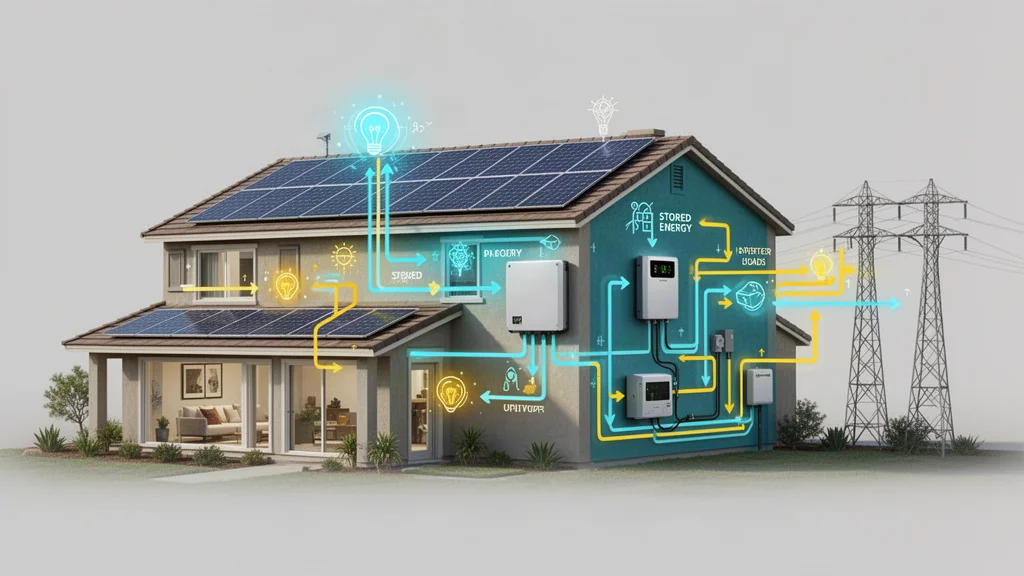
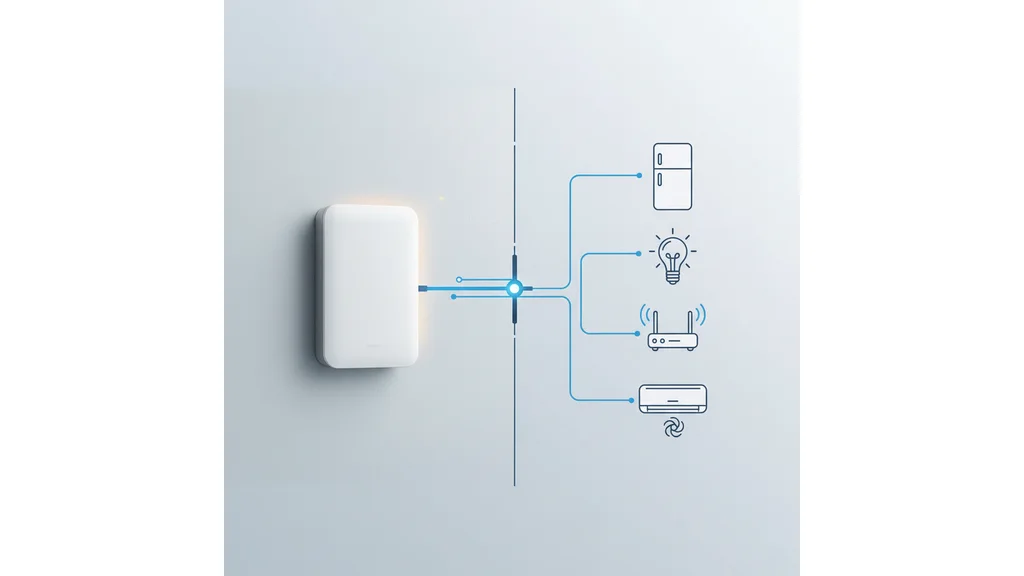
How to evaluate a solar inverter design
- Identify the conversion architecture. Ask whether each panel has a microinverter, panels use optimizers with a central inverter, or the array uses a string inverter. These systems convert or condition electricity differently.
- Compare roof-specific production. Request side-by-side production estimates for your roof's shade, orientation and panel layout. Ask how monitoring and equipment replacement differ.
- Check compatibility and service. Confirm the proposed inverter model, warranty, battery compatibility, rapid-shutdown design and who pays for labor if roof-mounted electronics need service.
For further independent technical context: U.S. Department of Energy — Homeowner's Guide to Going Solar. This is an educational reference, not an installer recommendation.
Frequently asked questions
How much energy and power does one SolarEdge Home Battery 400V provide?
SolarEdge's January 6, 2026 North American datasheet lists 9.7 kWh usable energy, 5 kW continuous output and 7.5 kW peak output for ten seconds. The inverter and installed design determine what reaches household loads.
Can one SolarEdge Home Battery provide whole-home backup?
Possibly for a limited home and load plan, but the product does not guarantee it. Require continuous and motor-start calculations, an explicit circuit list, reserve setting, Home Backup Interface and outage-runtime model.
Do two batteries provide 10 kW and three provide 15 kW to the home?
Not automatically. They provide 19.4 and 29.1 kWh of stated usable energy, but the selected Home Hub inverter, standalone rating, permitted configuration and controls can cap combined household output.
Does a SolarEdge battery installation automatically work during an outage?
No. Outage backup requires a compatible Home Hub inverter, a separately purchased Home Backup Interface, supported firmware and controls, a load plan, permitted wiring and successful commissioning.
What does the SolarEdge Home Battery warranty cover?
The dedicated warranty states ten years and 70% energy retention at term end, subject to operating, monitoring and use conditions. Labor, travel, removal and reinstallation are generally excluded unless agreed otherwise in writing.
Can an existing SolarEdge solar system add this battery without replacing equipment?
Sometimes, but the brand name alone is not enough. The installer should verify the exact inverter model, firmware, communications, backup hardware and electrical layout, then itemize every replacement and accessory.
Questions worth asking
- Is my current SolarEdge inverter compatible?
- How much continuous backup power will I have?
- Does the quote include the backup interface?
- What changes if I add a second or third battery?
Related guides
Compare major home-battery architecturesReview Tesla Powerwall 3Review Enphase IQ Battery 5PReview FranklinWH aPower 2Size storage from loads and runtimeUnderstand the installation processPlan Southern California backup loadsRead product and installer warrantiesStill researching solar?
Search homeowner guides by topic, electric utility, or location.
Sources and further reading
Updated: October 2026. Confirm changing details with the official sources.
These links identify documents and resources used for this guide. Listing a source does not mean it was independently checked today. Utility rates, incentives, product specifications and program availability may change; confirm the latest version and effective date with the source.
SolarEdge — Home Battery 400VSolarEdge — Home Battery 400V North America datasheet (January 6, 2026)SolarEdge — Limited Home Battery 400V warrantySolarEdge — Home Hub Inverter for North America datasheetCalifornia Energy Commission — Solar Equipment Lists ProgramCalifornia Energy Commission — Energy Storage Permitting GuidebookU.S. Department of Energy — Homeowner's Guide to Going SolarCalifornia Public Utilities Commission — Solar Consumer Protection GuideStart with a home energy checkup
Organize your usage, home details and goals before comparing proposals.
Try the home energy checkupReady to compare companies?
Explore provider options when you are ready to request quotes.
Explore provider options